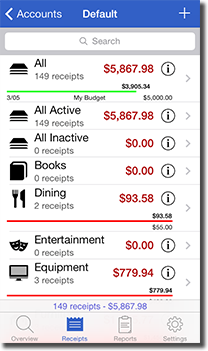
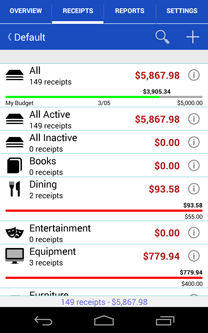
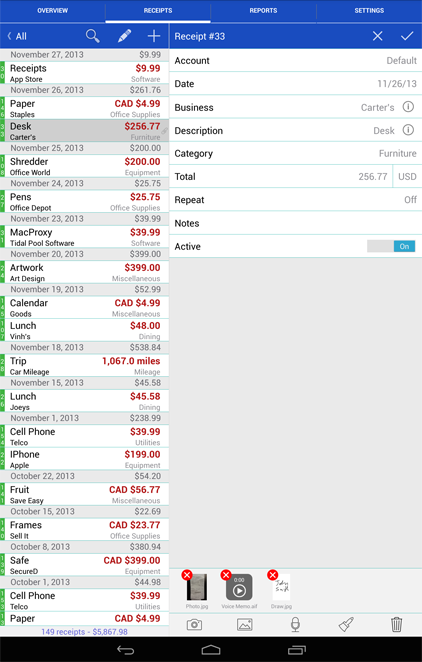
Track your personal and business income/expenses (including mileage) with Receipts. Receipts is the most customizable and powerful expense tracking app available. Create budgets, accounts, categories, filters, and nine different types of custom receipt fields. Receipts helps you save time when submitting expense reports and during tax season.
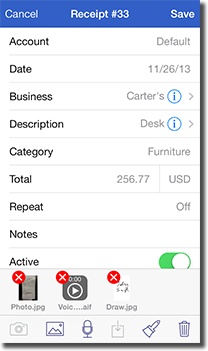
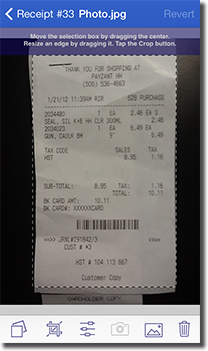
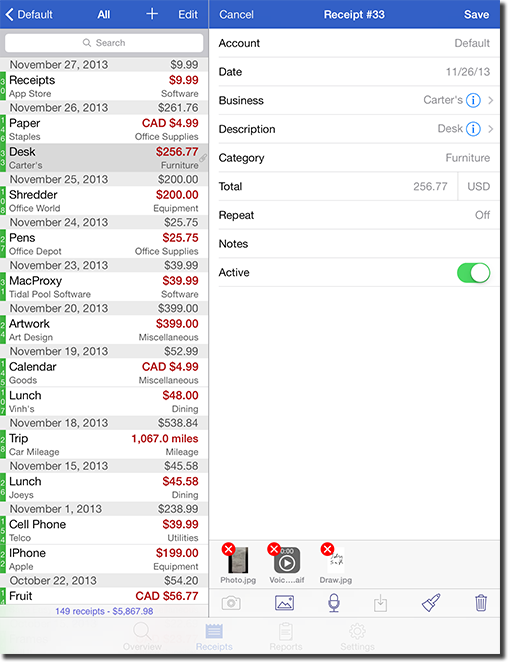
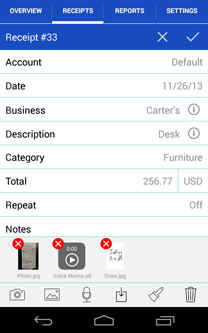
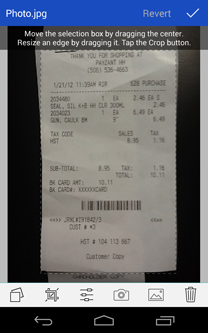
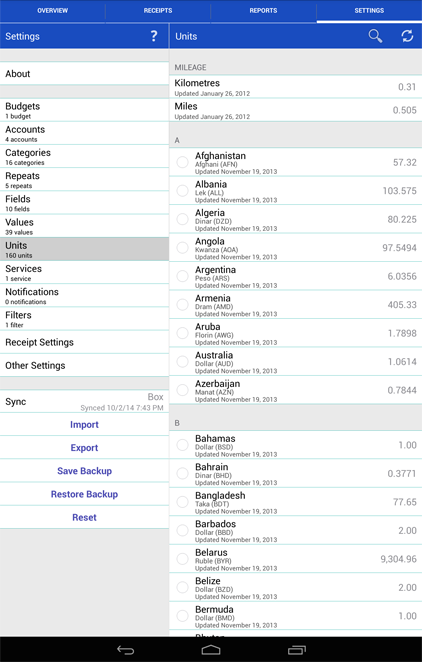
Add new receipts quickly using the autofill feature. Capture photos, add drawings, record voice memos, and attach files from other apps. Receipt totals may be entered in any currency and are instantly converted to your home currency. Create sophisticated filters based on multiple receipt fields to quickly find your receipts.
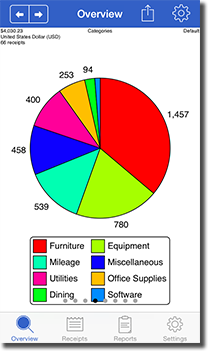
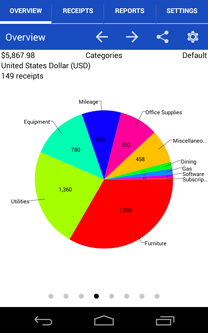
Browse through graphs to keep track of income and spending. See how much money is spent over time and by account, category, and currency.
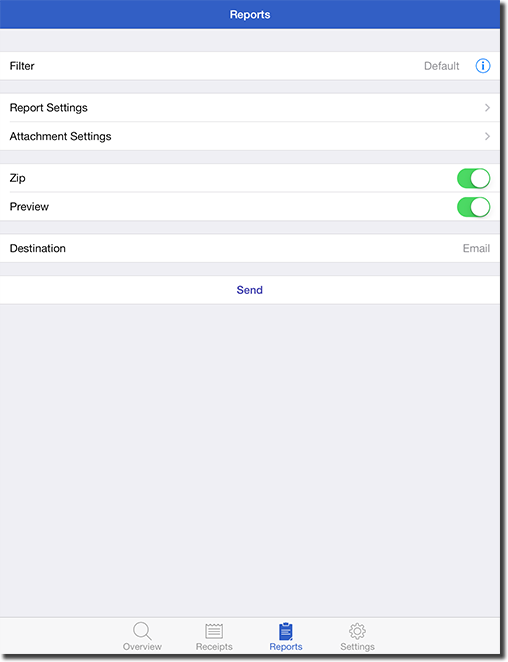
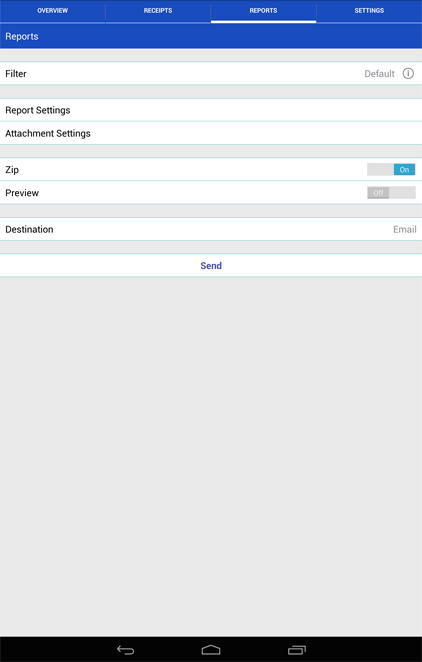
Generate Excel, PDF, HTML, and CSV reports with attachments. Optionally embed photos and drawings in PDF reports. Specify report names and add custom headers. Select which receipt fields to include and sort/group receipts by any field. Share reports using a variety of options including Box, Dropbox, Evernote, and Google Drive.
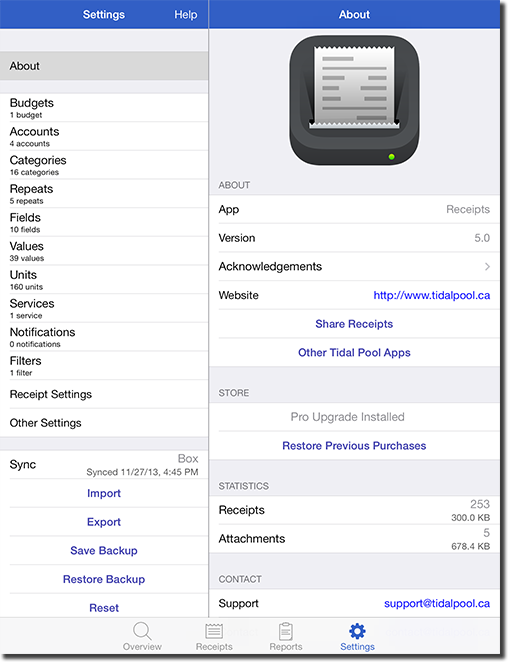
Keep track of business, family, or group income/expenses by syncing to the cloud. Enable automatic sync support to keep multiple devices up to date. Import and export receipts (CSV) with attachments to multiple destinations.
What's new in Receipts (iOS) 5.2.3 (
history):
Download Receipts for free on the Apple App Store. Receipts contains all the features of Receipts Pro but is limited to 10 receipts. Purchase an in-app upgrade to Pro for unlimited receipts.
 Receipts